Communicate with Skipper in the way that suits the moment.
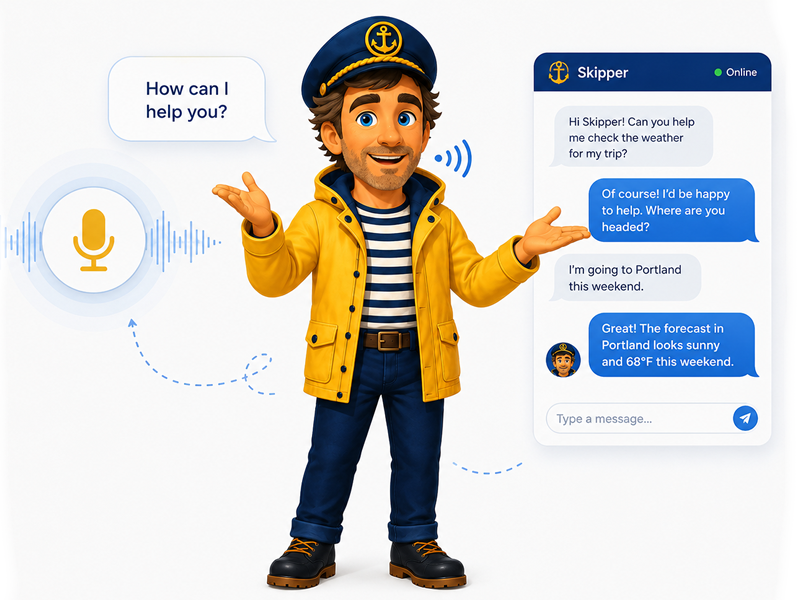
Voice interaction allows questions, commands, and follow-up conversations to be handled without needing to operate a keyboard or touchscreen, while chat provides a quiet and convenient alternative when written interaction is more suitable.
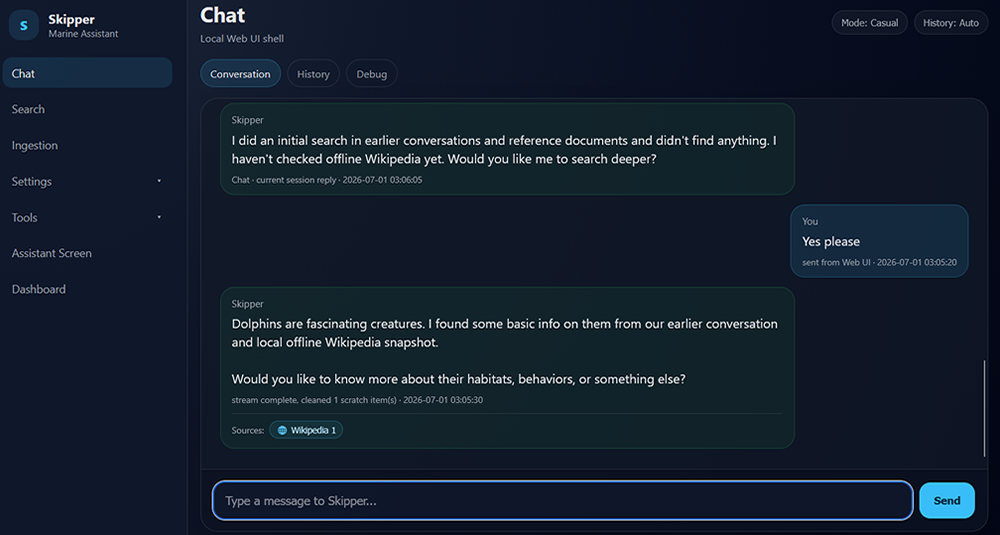
Spoken responses allow Skipper to remain useful while the user is occupied with other tasks. The chat interface provides access to conversations, visual feedback, controls, and other system information.
Together, voice and chat make Skipper flexible and accessible rather than tying the user to a single way of interacting.